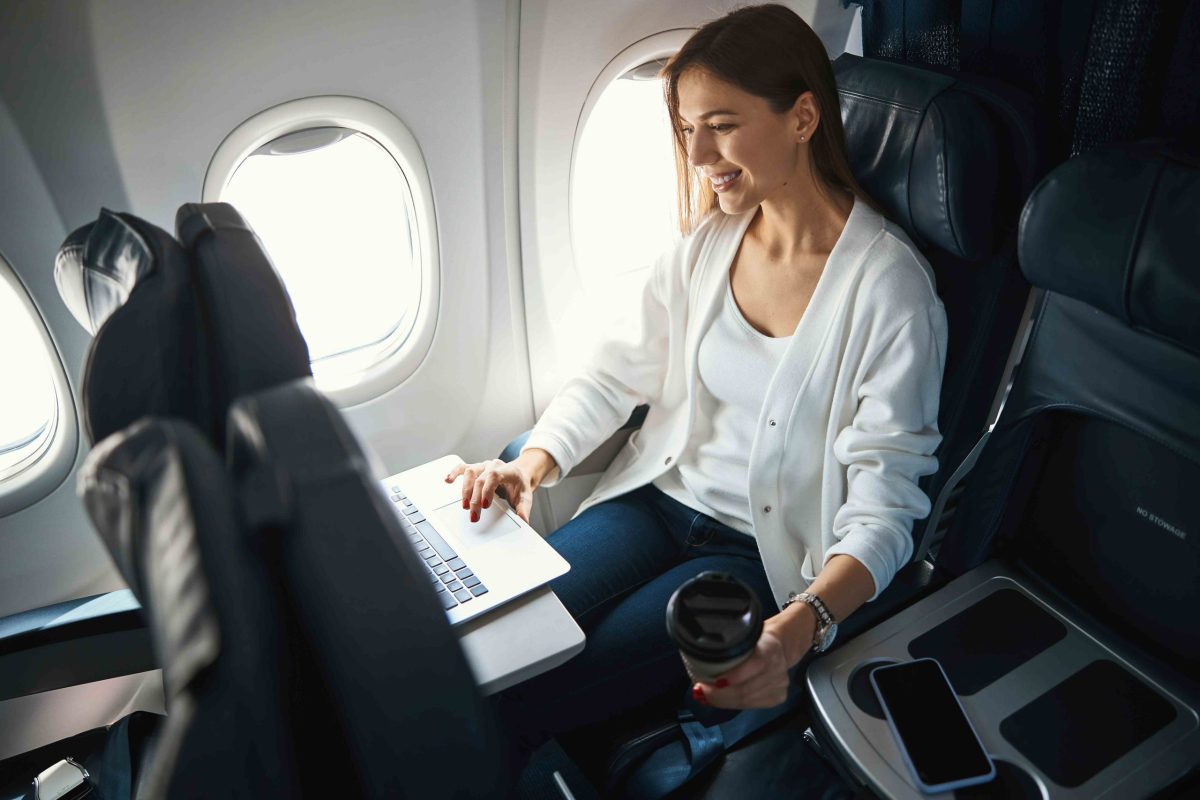
Flying with a laptop feels routine. You slide it into your bag, pass through security, and forget about it until you need to work or watch a movie. But that sleek device in your carry-on is also a potential firestarter, and the numbers are getting harder to ignore.
In the first nine months of 2026, the US Federal Aviation Administration logged 82 lithium battery incidents on flights, six of them involving laptops. One incident on an American Airlines flight in August left several passengers injured, with one hospitalized for burns. These are not freak accidents. They are a growing pattern as travelers pack more battery-powered gear than ever.
Check Your Battery Before You Fly
The first line of defense starts at home. If your laptop battery is swollen, cracked, or overheating, leave it behind. The same goes for recalled batteries or devices that have shown signs of trouble. A damaged battery can enter what experts call thermal runaway, a chain reaction that produces intense heat and fire. It is not worth the risk.
You should also verify that your devices meet your airline's battery rules. Most airlines cap lithium-ion batteries at 100 watt-hours per device, but some allow up to 160 watt-hours with prior approval. Brussels Airlines, for example, lets passengers carry up to 15 battery-powered devices, but anything above the standard limit needs a green light from the carrier.
Where to Stow Your Laptop Matters
Once you are on board, placement is everything. Southwest Airlines requires laptops weighing 0.9 kilograms or more to go under the seat or in the overhead bin during takeoff and landing. That rule is not about protecting your device from bumps. It is about preventing a heavy object from becoming a projectile during turbulence.
But accessibility is just as important. In October 2025, a United Airlines flight from Washington to Rome had to turn back after a passenger's laptop slipped behind a cabin panel, out of reach. If a battery starts smoking, you need to get to it fast. A quick reaction can mean the difference between a minor scare and a full-blown emergency.
That is why experts recommend keeping your laptop in a dedicated, padded compartment in an easily accessible bag. If something goes wrong, you can grab it without rummaging through a pile of clothes and cables. Some fire-resistant pouches add an extra layer of protection, giving you precious seconds to hand the device to crew members.
Rules for Checked Luggage
Checked bags come with their own restrictions. Most airlines allow a maximum of three devices larger than a smartphone in checked luggage, and they must be completely powered off. That means disabling alarms and any features that could activate the device mid-flight. Keep them away from flammable items like aerosol cans or alcohol.
Power banks are a different story. They must travel in the cabin, never in checked bags. The same goes for spare batteries, which should have their terminals taped or isolated to prevent short circuits.
Beyond Laptops
These rules apply to more than just laptops. Think about your phone, tablet, smartwatch, electric toothbrush, razor, kids' toys, and even drones. All of them contain lithium batteries and all of them can fail. The FAA's incident list includes devices you would never expect, which is why the guidance is so broad.
If you spot a device overheating, expanding, smoking, or burning, do not hesitate. Report it to the cabin crew immediately. They are trained to handle these situations, and every second counts.
Flying with electronics is not something to fear, but it is something to respect. A little preparation goes a long way. And if you are curious about other travel safety stories, check out what happened when a Boeing 787's tires blew on landing or the chaos that unfolded after a pilot was stabbed mid-flight. For more on airline policies, Lufthansa's clever campaign might give you a laugh.